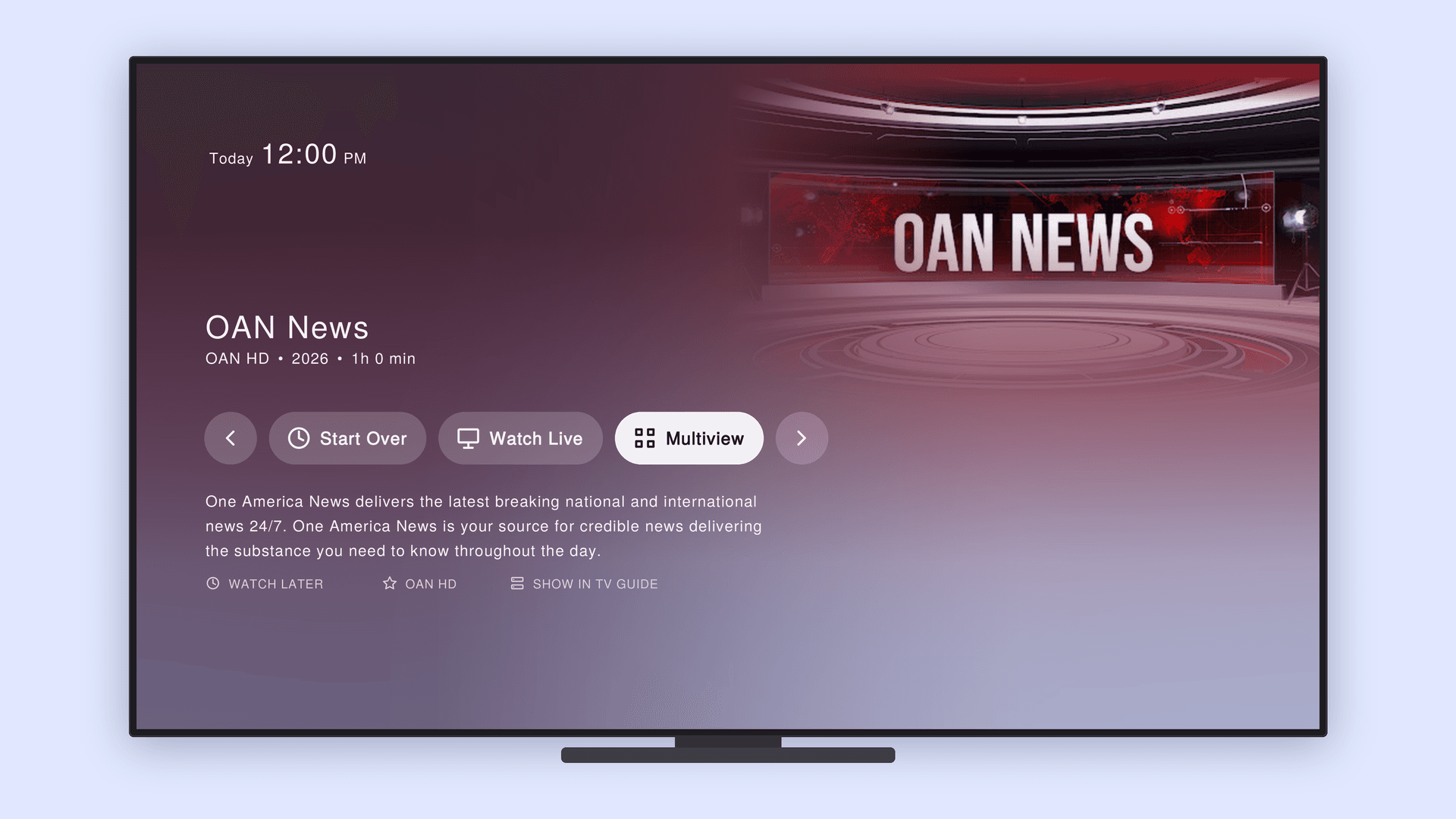
Multiview is a premium feature. It lets you watch 2 or 4 live TV channels at once on a single screen.
How to Use Multiview
You can access Multiview in several ways:
- Channel List – Open the Channel List from the left sidebar and select the Multiview tab. Highlight a channel to preview its group.
- Channel Guide – Open the Channel Guide, select the Multiview tab, choose a program, then select Multiview.
- While Watching – Press Select on your remote, press Up, then choose Multiview.
Roku users: the Multiview option may appear as an icon without a text label.
Navigating Multiview
- Switch streams: Use the directional buttons on your remote. The stream with the blue-purple border is selected and plays audio.
- Watch fullscreen: Highlight a stream and press Select.
- Exit fullscreen: Press Back on your remote.
Frequently Asked Questions
What subscription do I need for Multiview?
- Multiview is only available to premium Truth+ subscribers. Channels that are part of the Patriot package also require an active Patriot package subscription.
What devices support Multiview?
- Multiview is available in the Truth+ app on Roku, LG Smart TVs, Apple TV, and Google TV. Samsung Smart TVs are coming soon.
Can I choose which shows appear in Multiview?
- Not at the moment. Multiview uses a preselected list of shows.
Can I watch on-demand content in Multiview?
- No. Multiview supports live TV channels only.
How many channels can I watch at once?
- Depending on the preselected group, you can watch 2 or 4 channels.
Which stream plays audio?
- The stream with the blue-purple border.
Which channels are included?
- Multiview includes channels such as RAV, Newsmax, OAN, Salem News, Pure Flix TV, Reelz TV, UPtv, INSP, and Law&Crime. Additional channels are available within the preselected groups.